

The daily maintenance of LCD outdoor digital signage mainly includes the following aspects:
Author:VIC Smart Display Technology(Shenzhen)CO.,Limited
Click:
Time:2025-01-03 16:18:08
The daily maintenance of LCD outdoor digital signage mainly includes the following aspects:
The daily maintenance of LCD outdoor digital signage mainly includes the following aspects:
1. Clean the surface of the display: regularly use professional cleaners and soft cloth for cleaning, avoid using cleaners containing alcohol or strong solvents, so as not to damage the surface of the display. At the same time, regularly check whether there are scratches or damage on the surface of the display, and repair or replace it in time.

2. Control ambient temperature: LCD outdoor display is easy to be affected in extreme high or low temperature environment, so you need to control the ambient temperature and avoid working in extreme temperature environment for a long time. Cooling device or heating device can be used to maintain the appropriate working temperature to ensure that the display works normally.

3. waterproof and moisture-proof treatment: outdoor display is easily eroded by rain, so it needs waterproof and moisture-proof treatment. You can add a waterproof cover around the display, and check the sealing of the waterproof cover regularly to ensure good sealing. At the same time, pay attention to the smoothness of the drainage system to avoid the accumulation of water leading to equipment moisture.

4. Regularly check the connection of the equipment: the connection lines and interfaces of the display equipment are the places that need to be focused on in the maintenance. Regularly check whether the connection line is loose or damaged, clean the interface for the screen line, and repair or replace it in time. At the same time, prevent the connection lines from being subjected to external pressure or extrusion to avoid causing poor connection or breakage.

5. Adjust the brightness and colour of the display: according to the changes in outdoor lighting conditions, adjust the brightness and colour of the display in time to ensure that the display effect is clear and full, and to reduce visual fatigue and damage to the equipment due to the influence of light. Reasonable setting of the brightness and colour of the display is very important for extending the service life of the display and enhancing the user experience.

6. Maintain the humidity of the environment: Avoid anything with moisture into the digital signage to prevent corrosion and permanent damage to parts. Keep the environment dry and ventilated.

7. Stable power supply: Require stable power supply and good grounding protection. Do not use it in bad natural conditions, especially in strong lightning weather, to prevent lightning damage to the equipment.

8. Avoid full-brightness screen: Don't be in full-white, full-red, full-green, full-blue and other full-brightness screen for a long time during playback, so as not to cause excessive current, excessive heating of the power supply line, damage to the LED lights, and affect the service life of the display.

9. Regularly check the status of the equipment: regularly check whether the digital signage is working properly, whether the line is damaged, such as not working to be replaced in a timely manner, the line is damaged to be repaired or replaced in a timely manner. Non-professionals are prohibited from touching the internal lines to avoid electric shock or cause line damage.

Prev : Outdoor wall-mounted digital information kiosk signsNext : Outdoor advertising machine common problems and solutions and the precautions of installation
你的喜欢,就是我坚持写下去的能量器
YouArticle
已有0人推荐
文章推荐
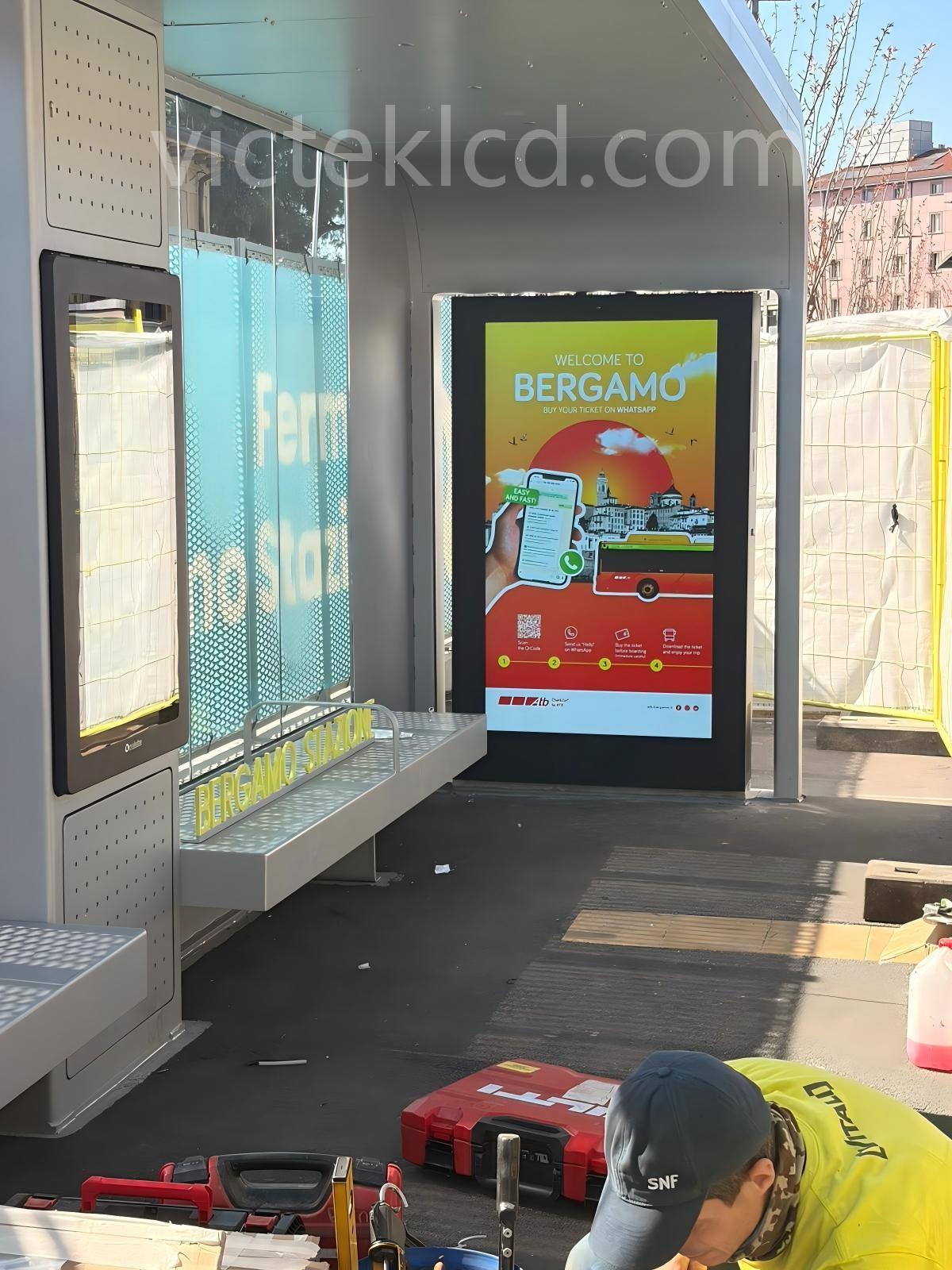
VSD’s 75-inch double-sided outdoor display has been successfully installed as part of the e-BRT smart bus project in Bergamo, Italy
3D hologram explanation
21.5 inch WIFI backpack billboard LCD advertising smart mobile backpack billboard
43inch outdoor rechargeable digital signage
What are the types of digital signage advertising machines? What are the application areas?
How restaurants use digital signage to bring customers a better experience and digital content
Outdoor wall-mounted digital information kiosk signs
Double-sided ultra-thin advertising machine
3D holographic display cabinet
请双击输入内容...
-
092026-05

-
092026-05
-
102026-05
-
302022-10
-
302022-10


请双击输入内容...
VIC SMART DISPLAY TECHNOLOGY(SHENZHEN) CO., LTD
CEO:Vic.Weng
 Email: vic.weng@longithai.com
WeChat/whatsapp/Tel: +8617819680824
factory address: 3/F, Building 1, Lebao Industrial Park, Fengxin Road, Guangming New District, Shenzhen, China
VIC SMART DISPLAY TECHNOLOGY(SHENZHEN) CO., LTD
A M: Sarah Huang
WeChat/whatsapp/Tel: +8617819680824
E-mail:sarah@longithai.com
factory address: 3/F, Building 1, Lebao Industrial Park, Fengxin Road, Guangming New District, Shenzhen, China




